MediLabel prints patient labels on a NIIMBOT B1 thermal printer — auto-capturing the patient's name and date of birth from your clinical software. Now in two editions: Desktop for Best Practice & Medical Director, and Cloud for browser-based software such as MediMap and BESTdoctor.
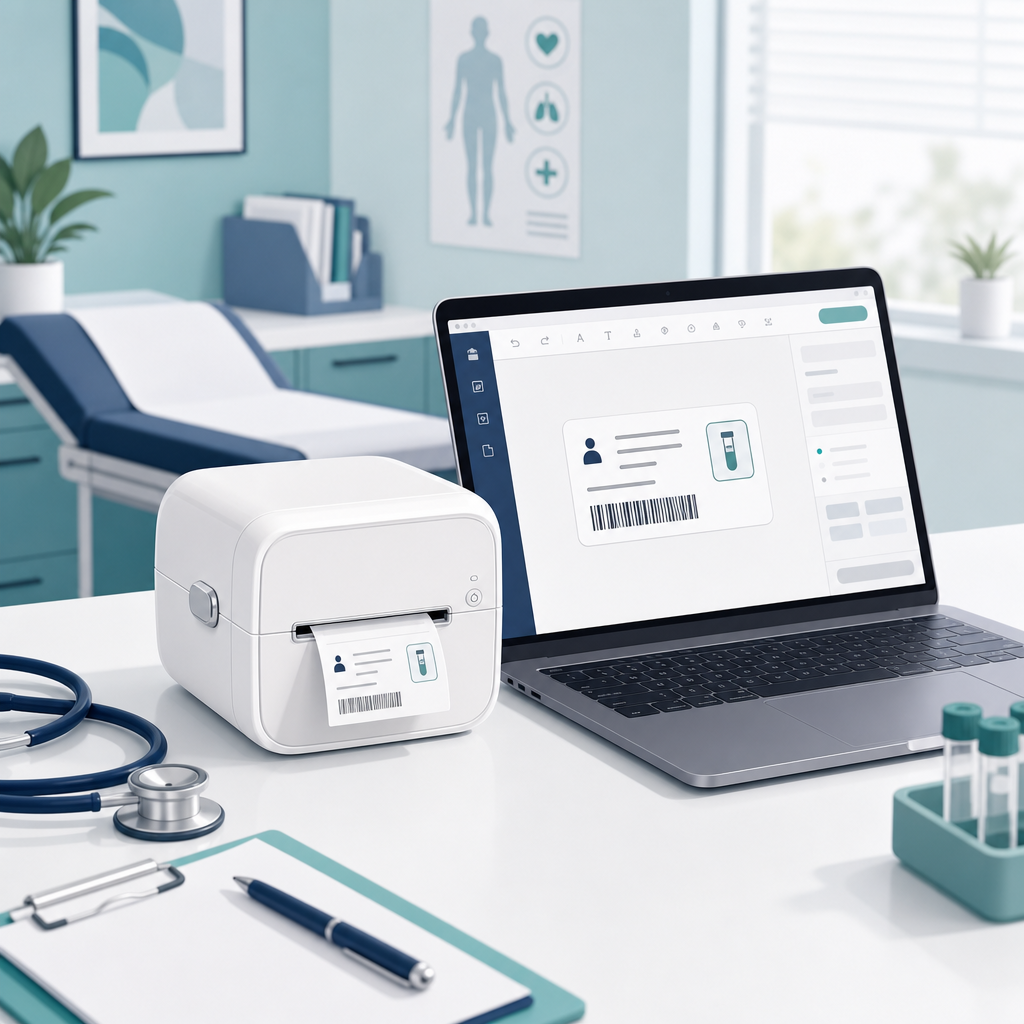
Purpose-built for general practice. Fast, reliable, and dead simple for your reception and nursing staff to use.
Open the patient in your clinical software and press Ctrl + F12. MediLabel reads the name and date of birth automatically — you just confirm and print.
Desktop edition works with Best Practice and Medical Director. Cloud edition reads browser-based software such as MediMap and BESTdoctor — no vendor API or subscription needed.
Runs entirely on your PC. No internet, no cloud, no patient data ever leaves the practice. A local audit log keeps your records.
No clinical software open? Just type the patient's name and DOB and hit print. Works either way.
Tuned for the affordable NIIMBOT B1 thermal printer and standard 50 × 30 mm label rolls. No ink, no cartridges.
Every label printed is recorded locally (time, name, DOB, outcome) so you always have a record for the practice.
Download the package below, double-click MediLabel — no Python or install needed — and plug in your NIIMBOT B1 via USB.
Bring up the patient in your clinical software — Best Practice or Medical Director (Desktop edition), or MediMap, BESTdoctor and other browser-based systems (Cloud edition) — then press Ctrl + F12.
Check the captured name and DOB, click print, and the label is on its way. That's it.
Free to try in your own practice. For Windows 10 & 11. Choose the family that matches your clinical software.
For practices running Best Practice, Medical Director or Zedmed installed on the PC.
The newest release of the original MediLabel. Open the patient, press Ctrl + F12, confirm, print. Already using Version 1, 2 or 3? Just download this and replace your old copy — nothing else to do.
A separate edition for practices and aged-care facilities using browser-based clinical software — MediMap, BESTdoctor and other cloud systems.
Same hotkey, same label — but it captures the patient straight from the browser page. No vendor API, no subscription. Includes a free companion browser extension for the most accurate capture.
💡 If your browser says “suspicious” or “blocked”: this is normal for brand-new software. Click the ▲ arrow (or ⋮) next to the download, then choose “Keep” or “Download anyway”. The app is safe — it simply isn’t code-signed yet.
MediLabel runs 100% offline. There is no cloud account, no sign-in, and no data transmitted anywhere. Patient names and dates of birth are only ever stored locally in your own audit log, which you control and can delete at any time.
Setting it up for your practice, or interested in deploying across multiple clinics? I'd love to hear from you.